ShrinkIt Images brings the same simple window as ShrinkIt, our video compressor, to photos and screenshots. Need to shrink videos too? Get ShrinkIt.
Image compressor · by EspinalLab

Smaller images that still look great.
Drag photos, screenshots or whole folders onto the window and get compressed copies in seconds, ready to email, upload or archive. Everything happens on your Mac.
- New
- macOS
- Free, with optional PRO

- ~50%
- Smaller photos at default quality
- 60–80%
- Smaller screenshots and graphics
- 12
- Image formats it opens
- 4 MB
- Native app size
About
About ShrinkIt Images.
Video
See ShrinkIt Images in 20 seconds.
Features
What ShrinkIt Images does.
- 01
Smaller files, same look
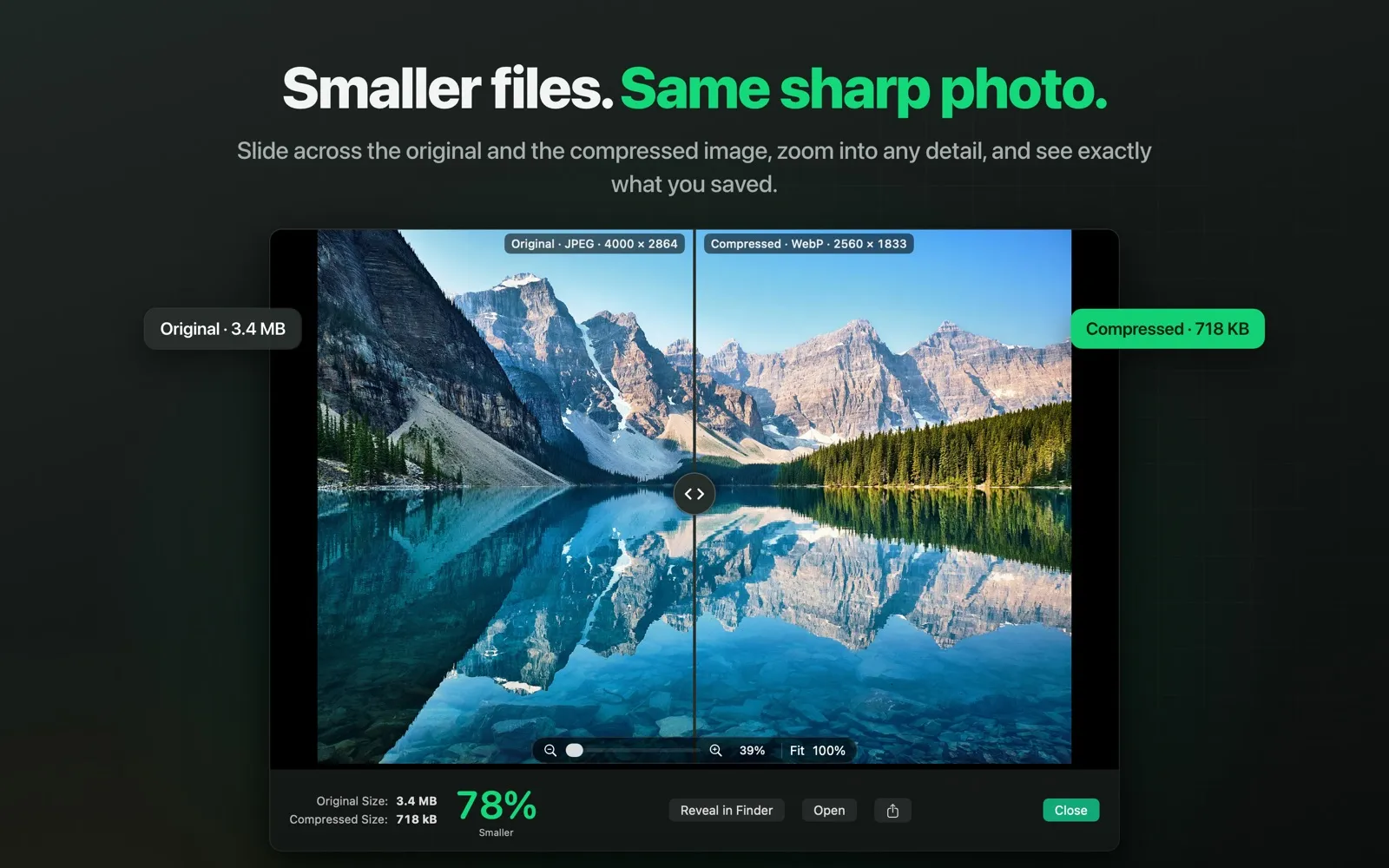
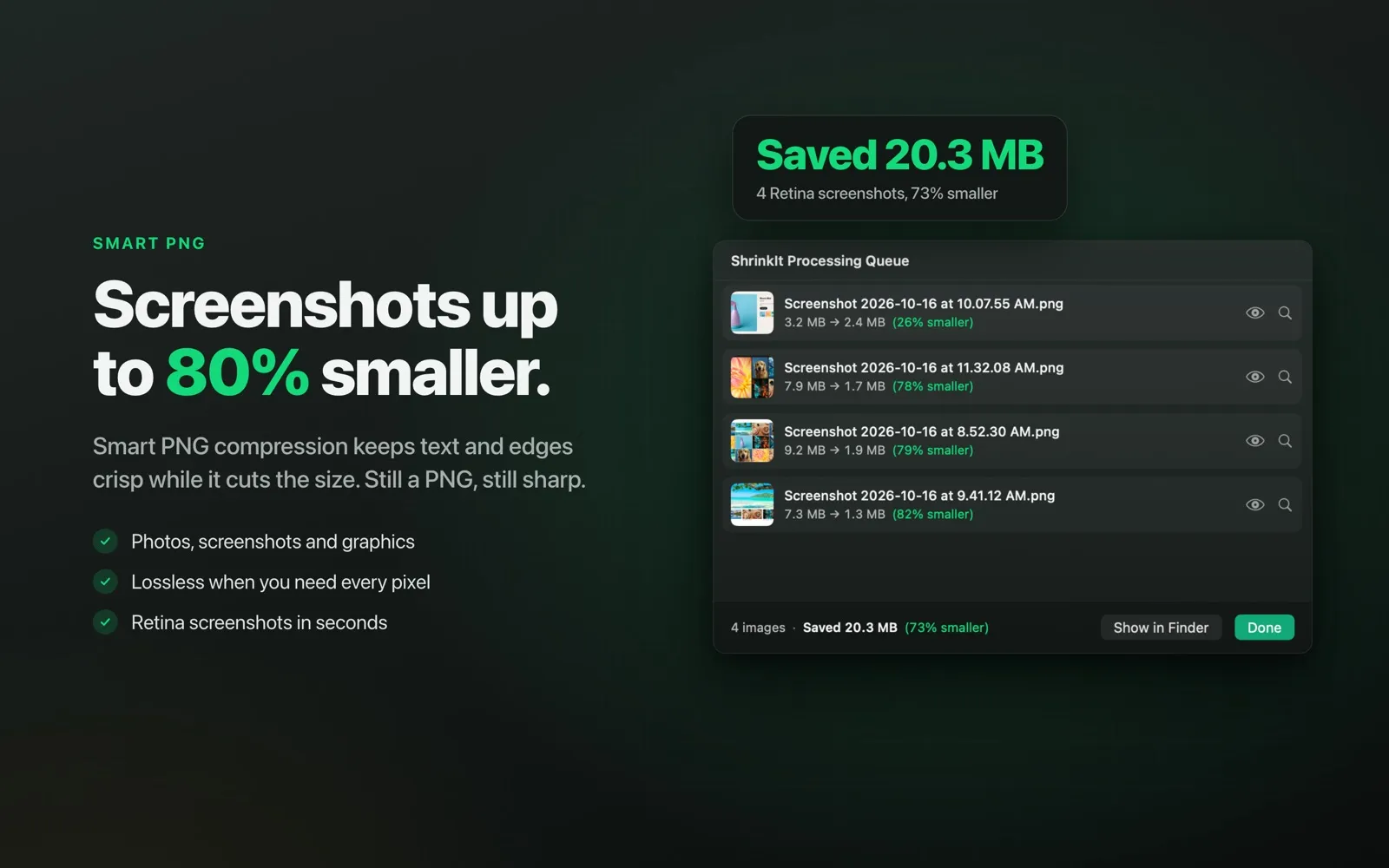
Photos come out about half the size with no visible difference. Screenshots and graphics are typically 60–80% smaller with Smart PNG compression.
- 02
Every format you use
Opens JPEG, PNG, HEIC, WebP, AVIF, TIFF, GIF, BMP, JPEG 2000, JPEG XL, PSD and camera RAW. Animated GIFs stay animated.
- 03
Never bigger than the original
If an image is already optimized, ShrinkIt Images keeps the original instead of making it larger.
- 04
See the difference
Compare the original and the compressed image with a slider, even pixel by pixel, and see how much each image and the whole batch saved.
- 05
You're in control
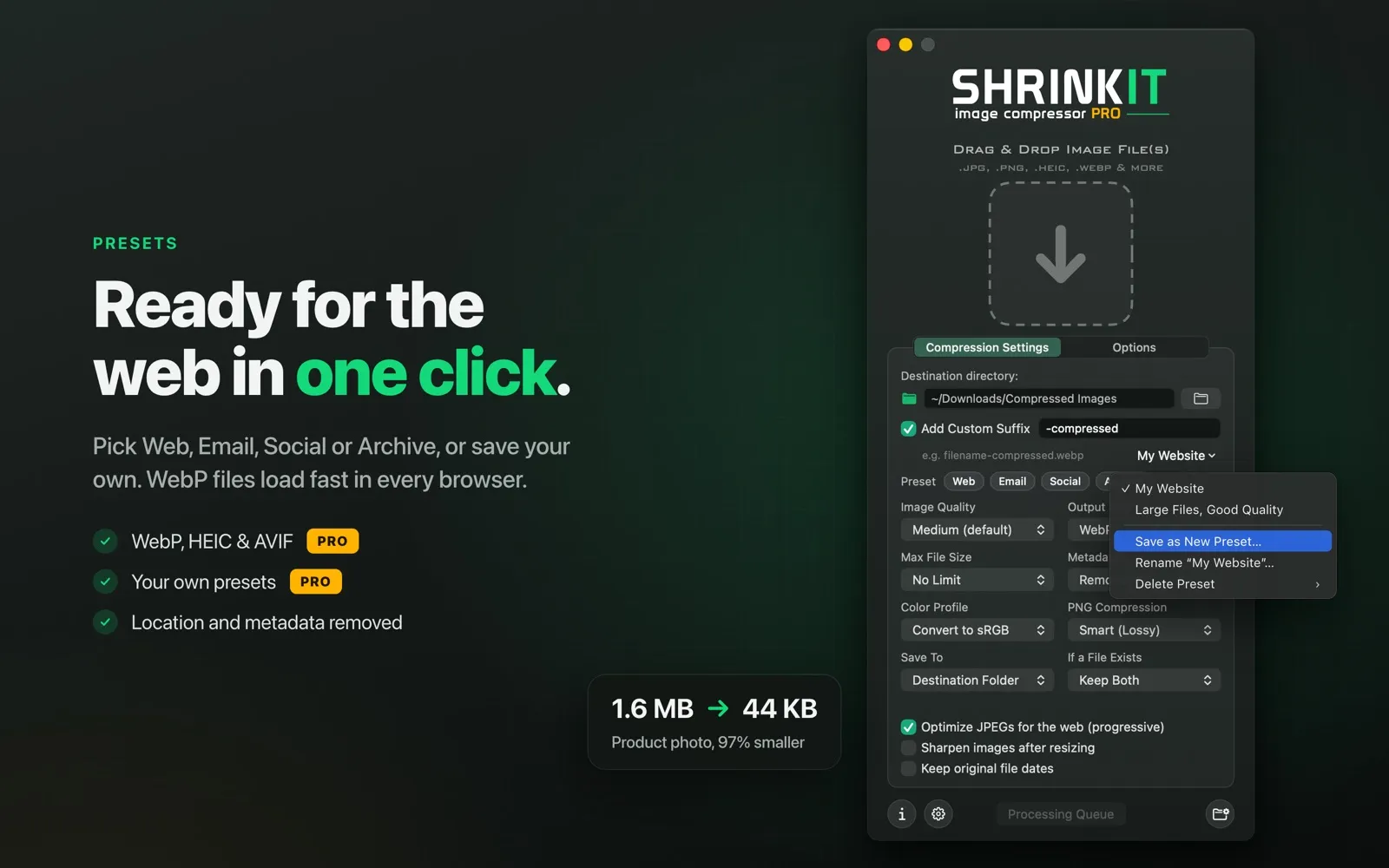
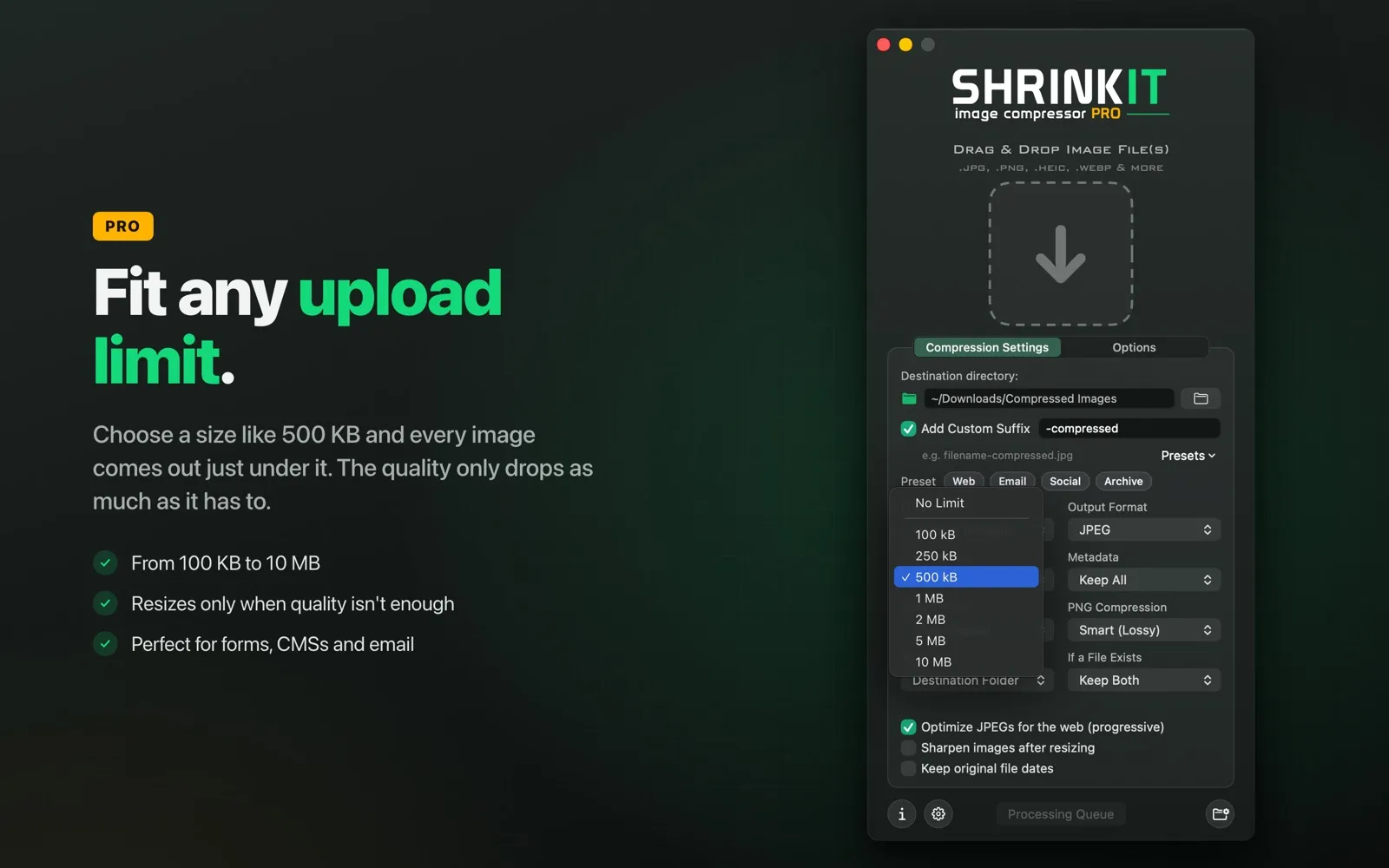
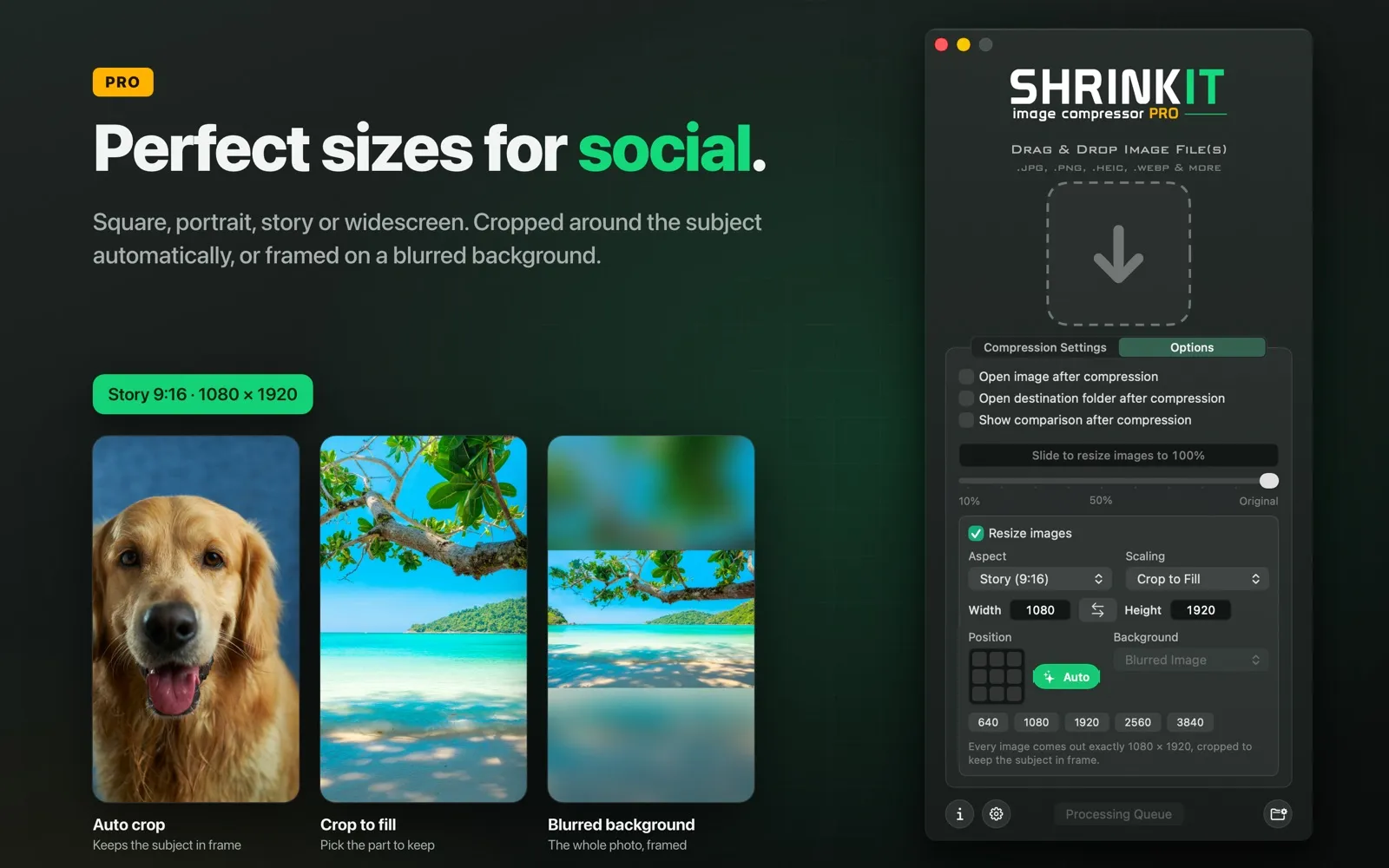
Four quality levels, one-click presets for web, email, social and archiving, resizing, metadata and GPS removal, and sRGB conversion.
- 06
Private by design
Your images never leave your Mac. No accounts and no tracking, in a native app that runs fast on Apple silicon and Intel.
Screenshots
See it in action.

How many images can I compress at once?
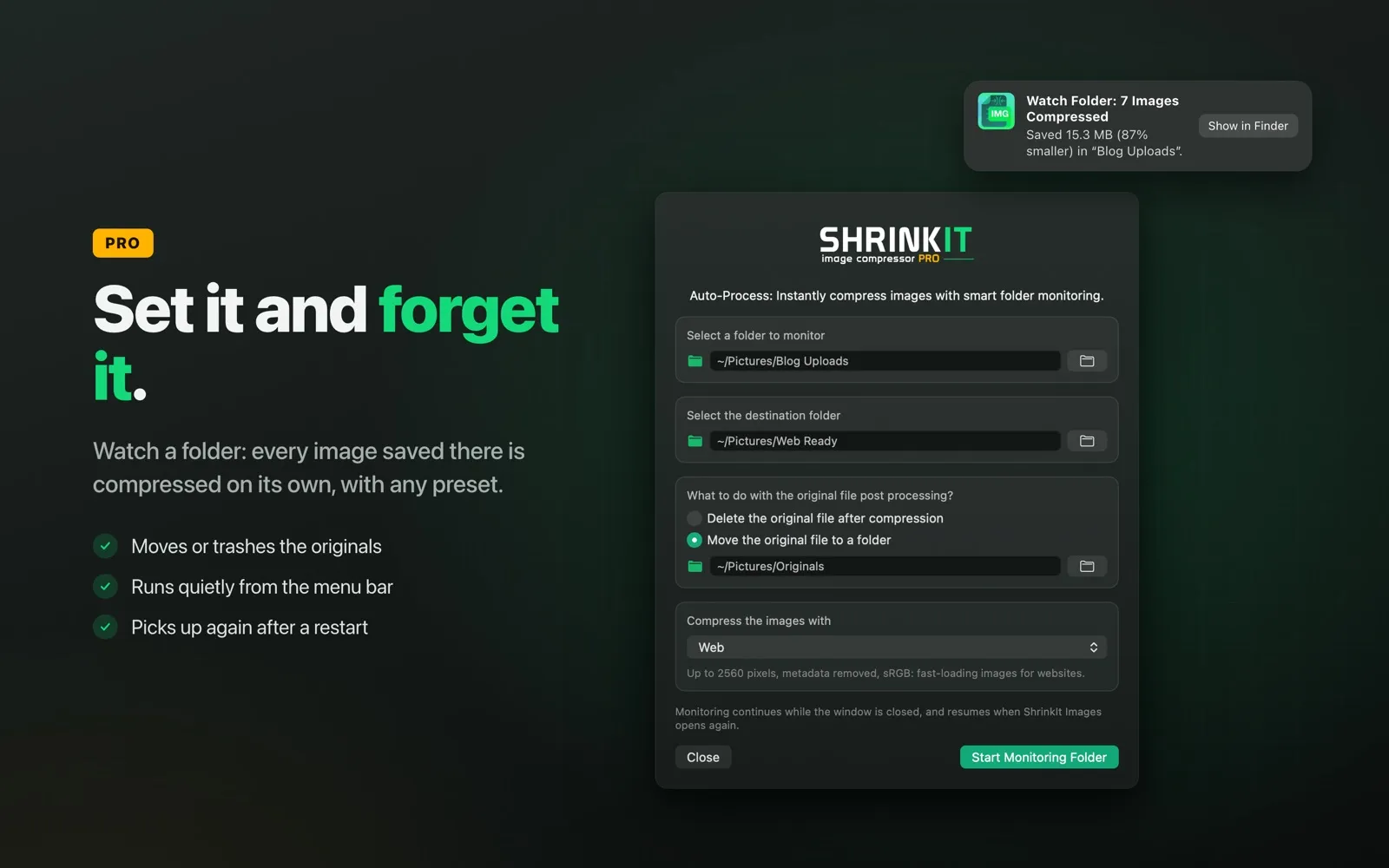
The free version compresses up to 5 images at a time. PRO removes the limit so you can drop whole folders.
Can it convert to WebP, HEIC or AVIF?
Yes, with PRO. The free version saves as JPEG or PNG, or keeps each image's own format.
Is PRO a subscription?
No. Buy it once for life, or get a 30-day or 1-day pass. There are no automatic renewals.
Do my images get uploaded anywhere?
No. All compression happens on your Mac.
More from EspinalLab